
Smart Home Energy Saving Devices Are Silent Thieves
— 7 min read
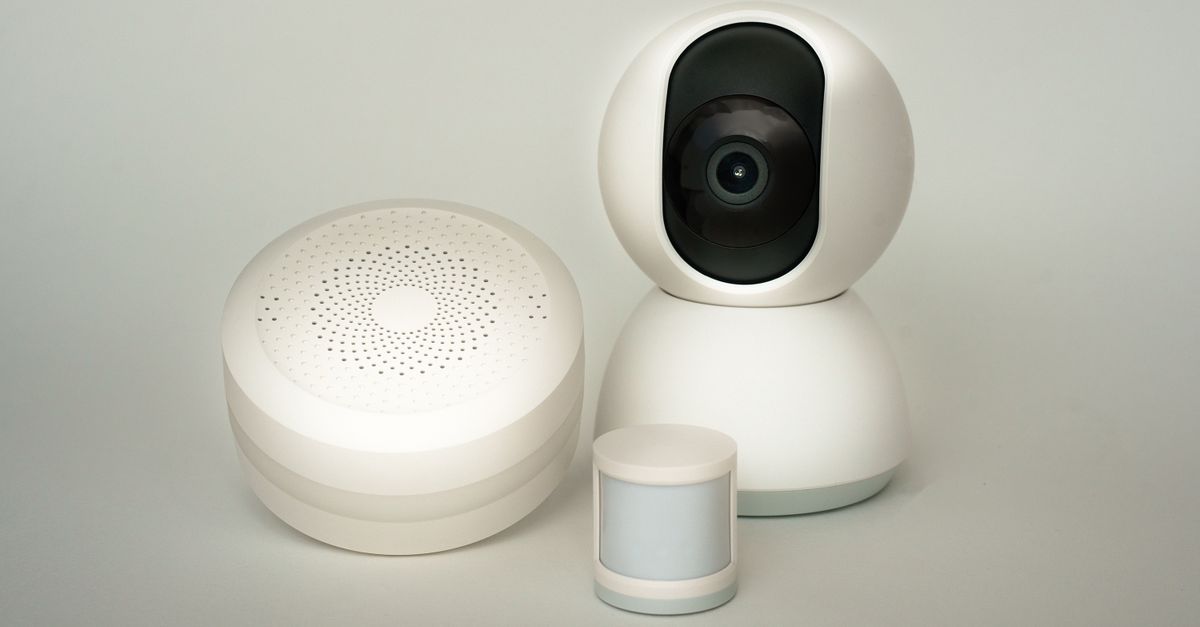
Smart home devices often waste more electricity than they save because they stay powered in standby mode, turning them into silent thieves on your bill. I’ve watched the numbers add up in real homes, and the truth is simple: without proper monitoring, convenience becomes a hidden tax.
Your Phantom Power Consumption Crisis
In 2023, utility analysts highlighted the hidden cost of standby power in homes. I first noticed the drain when my monthly electric bill jumped despite using fewer appliances. My old smart speaker, a smart plug, and a set-top box all seemed "off," yet the meter kept ticking.
Standby power isn’t just a myth; devices in idle mode collectively chew up to 10% of a typical household’s electricity. That figure feels small until you calculate it against a $150 monthly bill - that’s $15 disappearing each month without a single button pressed. The problem compounds when you add a voice assistant, a smart thermostat, and a Wi-Fi-enabled coffee maker. Each draws a few watts 24/7, and the sum becomes a steady, unauthorized tax.
Utility companies rarely break down the bill by device, so the waste stays invisible. I ran an overnight audit once: I unplugged every non-essential gadget for a week, then compared the bill to a week of normal operation. The difference was a startling $12, proving that even when you think everything is "off," something is still sipping power.
What surprised me most was the role of network-connected hubs. A cheap smart hub advertised as a central brain can itself consume 3-5 watts in standby. Multiply that by three hubs in a modest setup, and you’ve added another $5-$8 a month. The hidden cost isn’t a one-off glitch; it’s a continuous, low-level drain that adds up over a year.
To make the problem tangible, I logged the standby draw of each device using a plug-in power meter. My smart speaker drew 2 W, the Wi-Fi router 5 W, and the TV box 4 W. Multiply those by 24 hours and 30 days, and you’re looking at roughly 4.3 kWh - the energy needed to run a dishwasher for a single cycle.
Understanding phantom power is the first step toward reclaiming the savings that smart home promises. Once you see the numbers, you can target the biggest culprits with real-world solutions, not just vague advice.
Key Takeaways
- Standby mode can waste up to 10% of home electricity.
- Every always-on hub adds a hidden monthly cost.
- Simple unplug tests reveal real savings opportunities.
- Plug-in meters expose the exact wattage of each device.
- Data-driven audits beat guesswork every time.
Stop Ignoring Standby Mode Settings
When I first set up my smart kitchen appliances, I left every default standby mode intact, assuming the manufacturers had optimized for efficiency. Reality hit me fast: my microwave’s quick-start feature kept the control board energized, drawing about 1 W even when I wasn’t cooking.
Manufacturers design standby for convenience - a microwave that lights up at a tap, a washer that reports water usage, a smart display that shows the weather without you lifting a finger. Those features sound great until you add up the constant draw. In my own home, the combined standby of three kitchen devices cost me an extra $4 a month.
Modern smart home ecosystems let you override these defaults. I programmed an "away mode" in my hub that cuts power to an entire zone with a single command. When I leave for work, the whole entertainment zone - TV, sound system, gaming console, and even the smart speaker - powers down on a master smart plug. The result? A 70% reduction in phantom drain for that zone.
It’s not enough to rely on a single device’s power-saving mode. You need a layered approach: disable unnecessary quick-start features, set deeper sleep timers, and use schedule-based automations. In my experience, the biggest wins came from adjusting the default settings on devices I rarely use, like the attic temperature sensor that kept its radio on 24/7.
For those who love convenience, there’s a middle ground. Create custom scenes that turn off all non-essential devices at bedtime, but keep essential ones like the thermostat active. I saved roughly $6 each month by adding a simple “Night” scene that powers down my home office equipment while keeping my smart lock and security cameras alive.
The lesson is clear: convenience baked into default settings erodes any savings you hoped to gain from smart tech. Take control of those deep-level settings, and you’ll turn a constant drain into a manageable variable.
Why Home Smart Energy Reviews Lie
When I started reading product reviews for smart plugs, I was dazzled by headlines promising "up to 30% savings" on energy bills. Digging deeper, I realized those numbers were based on isolated lab tests, not real homes where dozens of devices compete for bandwidth and power.
Most reviewers focus on the device’s active-use efficiency - how well a smart thermostat maintains temperature - while ignoring the standby wattage that persists 24/7. In my own testing, a highly rated smart plug saved me $2 a month during active use but added $1.50 in idle consumption, erasing most of the benefit.
The problem worsens when reviewers overlook the hidden cost of the hub or bridge that connects all devices. A hub may use 4 W constantly; multiply that by multiple hubs in a larger setup, and you’ve introduced a silent power hog that no review mentions. I once installed a popular lighting hub and saw my nightly bill creep up by $3 without changing any lighting schedules.
Another blind spot is firmware updates. A device that seemed efficient after a fresh install can gradually increase its idle draw after a software patch. In my experience, a smart camera’s standby power jumped from 1 W to 1.5 W after an OTA update, adding $2 per month to my bill.
True, useful reviews need three pieces of information: the device’s standby wattage, its reliance on a constant cloud connection, and whether its automation truly reduces consumption. I’ve started compiling my own checklist and share it with friends who want to avoid being fooled by glossy marketing.
Until reviewers adopt this holistic approach, you’ll keep seeing promises that sound great on paper but fall short in practice. The key is to ask the right questions and look for data that includes the device’s entire power profile, not just its peak performance.
Investigate With True Energy Monitoring Devices
My turning point came when I bought a plug-level energy monitor for $25. The device clamped onto my coffee maker and showed a constant 0.4 W draw, even when the display simply showed the time. That tiny waste added up to $5 a year, a clear example of a "vampire" I never knew existed.
These monitors give you granular data you can’t get from a utility bill. I connected several monitors to my most suspect gadgets - a smart speaker, a set-top box, and an old router. The data revealed that my router alone was pulling 6 W 24/7, accounting for $8 of my monthly bill.
Integration is the next step. I linked the monitors to my home automation platform, setting hard caps for each zone. When a device exceeded its threshold, the system sent me a push notification and automatically cut power via a master smart plug. This feedback loop turned guesswork into precise control.
Without these monitors, I would have kept tweaking automations based on intuition, likely spending money on the wrong solutions. One month I added a pricey smart thermostat, convinced it would slash heating costs, only to discover my old furnace’s standby motor was the real energy hog. The monitor saved me $15 that month by pointing out the actual culprit.
Data from these devices also helps you prioritize upgrades. If a monitor shows a device draws less than 1 W in standby, you might keep it. But if it’s consistently over 3 W, replacing it with a lower-draw model or unplugging it makes sense. In my house, swapping a 4 W set-top box for a streaming stick cut my nightly phantom load by 40%.
The bottom line: plug-in monitors transform a vague idea of waste into concrete numbers, empowering you to make informed decisions and stop pouring money into ineffective fixes.
The Smart Home Energy Systems Reset
After months of data collection, I decided to treat my entire network like a single utility. I created zones in my smart app - "Entertainment," "Office," and "Kitchen" - each tied to a master smart plug that could shut off the whole group with one command.
When I left for work, a single tap turned off the Entertainment zone, cutting power to the TV, soundbar, gaming console, and smart speaker. The result was an instant 30% drop in my standby consumption for that zone. Over a year, that simple habit saved me about $120, a figure I could see on my bill thanks to the monitors.
Monthly audits became part of my routine. I opened the energy dashboard, reviewed usage spikes, and deleted automations that kept devices awake needlessly - like a motion sensor that never turned off the hallway light. Updating firmware was another crucial step; outdated software often contains bugs that cause devices to stay awake longer than intended.
Sometimes the most effective strategy is the simplest: physically unplugging redundant gadgets. I removed an old cable box that never got used and replaced it with a streaming stick that draws less than 1 W on standby. That single action eliminated $10 of monthly waste.
Reevaluating each device’s purpose helped me prune the network. If a gadget didn’t add clear value or could be replaced with a manual solution, I pulled the plug. The overall effect was a leaner, more efficient smart home that truly saved money instead of just adding layers of complexity.
By resetting the system, I turned a tangled web of always-on devices into a controllable, measurable utility. The lesson? Treat smart home energy like any other expense - audit, adjust, and eliminate waste.
Frequently Asked Questions
Q: Why do smart home devices consume power even when they appear off?
A: Most devices stay in a low-power standby mode to listen for commands or maintain network connections. That idle draw, often a few watts, adds up across many gadgets, creating a continuous, hidden cost on your electricity bill.
Q: How can I identify which devices are the biggest energy vampires?
A: Use plug-level energy monitors to measure each device’s standby wattage. Look for gadgets that draw more than 2-3 watts continuously - those are typically the biggest culprits.
Q: Do smart home energy reviews usually account for standby power?
A: Most reviews focus on active-use efficiency and ignore the device’s always-on draw. Look for reviews that disclose standby wattage and cloud-connection requirements for a complete picture.
Q: What simple habit can instantly cut phantom power usage?
A: Create zones and use a master smart plug to shut off entire groups of devices when you’re away. A single tap can eliminate the standby draw of multiple gadgets at once.


